Create an Account
Broker onboarding
Create your WeList account
Brokers start by creating an account from the official WeList registration page. Once registered, the account can be configured for marketplace broadcasting, B2B visibility, delivery management, and payouts.
Open registration page →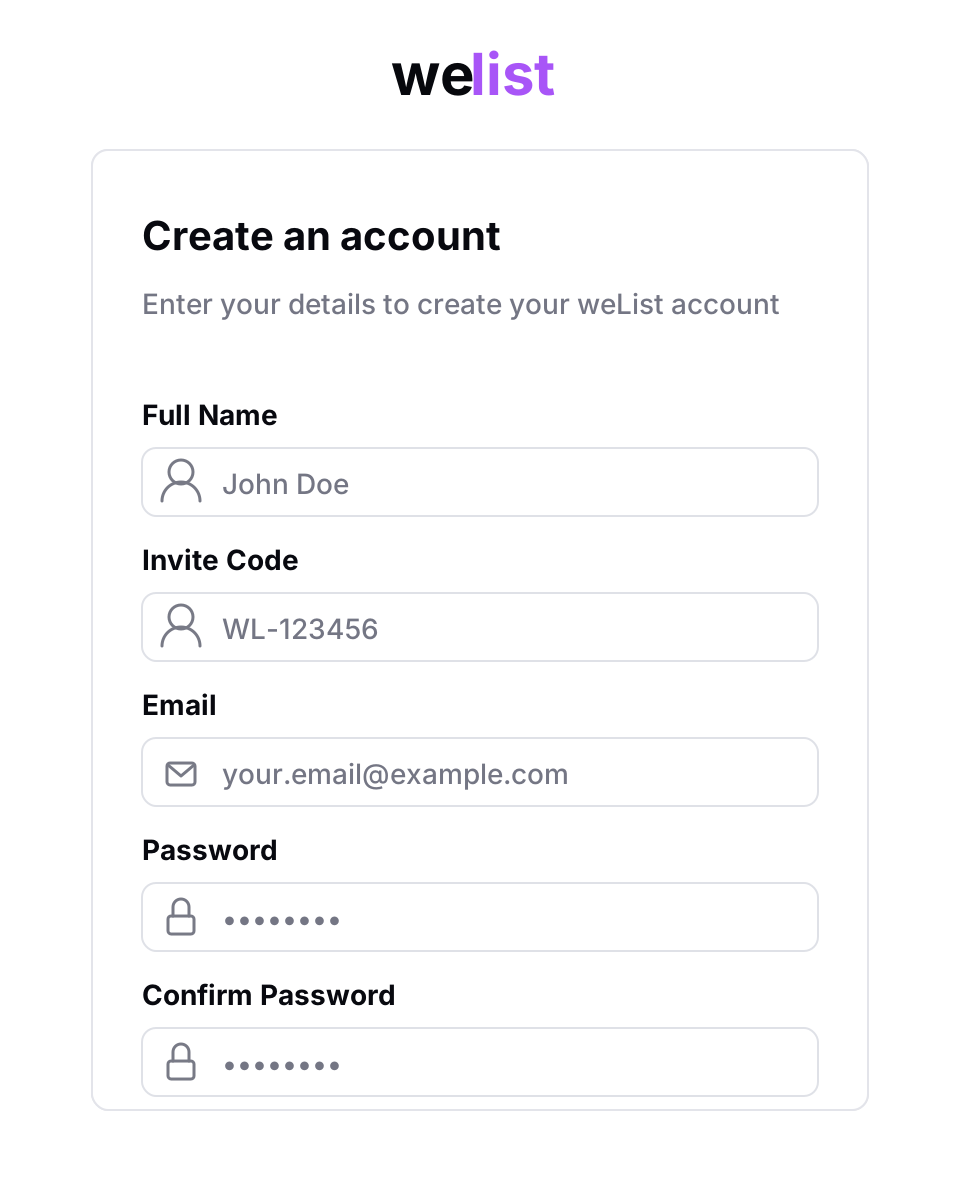
Registration link
Brokers must register here:
https://www.we-list.com/register
Use this page to create the account that will be used for listing creation, marketplace broadcasting, order tracking, delivery management, and payout settings.
Registration steps
After the account is created, brokers must complete KYC verification and upload proof of address before they can publish listings.
Required fields
The registration form requires the following information:
| Field | Description |
|---|---|
| Full Name | The broker or account owner name |
| Invite Code | The WeList invite code provided to the broker |
| The email address used for login and sale notifications | |
| Password | The password used to access the account |
| Confirm Password | Password confirmation to prevent typing errors |
Use an email address that your team actively monitors. Sale notifications and delivery instructions are sent by email.
Invite code
Registration requires an invite code.
If you do not have an invite code, contact the WeList team before creating your account. The invite code connects the broker account to the correct onboarding flow and account configuration.
After registration
Once the account is created, brokers should complete their account setup before publishing listings.
Broker profile checklist
- Business name
- Main contact information
- Team members and permissions
- Preferred payout method
- Valid payout credentials
- Marketplace and B2B configuration
- Delivery and fulfillment settings
Some broker accounts may require approval before all marketplace broadcasting, B2B, and payout features are enabled.
Next step
After creating the account, complete mandatory KYC Verification, including proof of address.